

1
Connect website
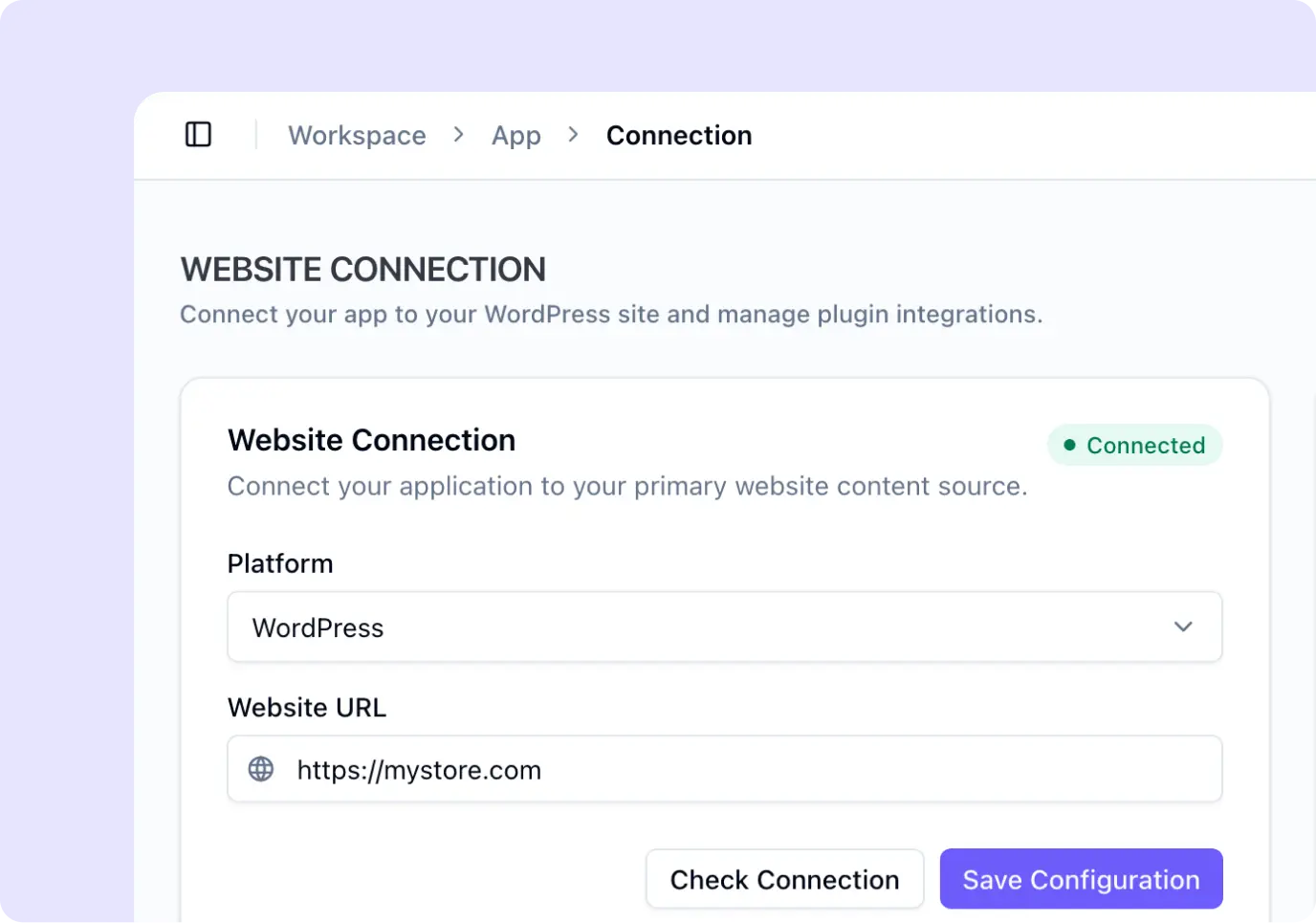
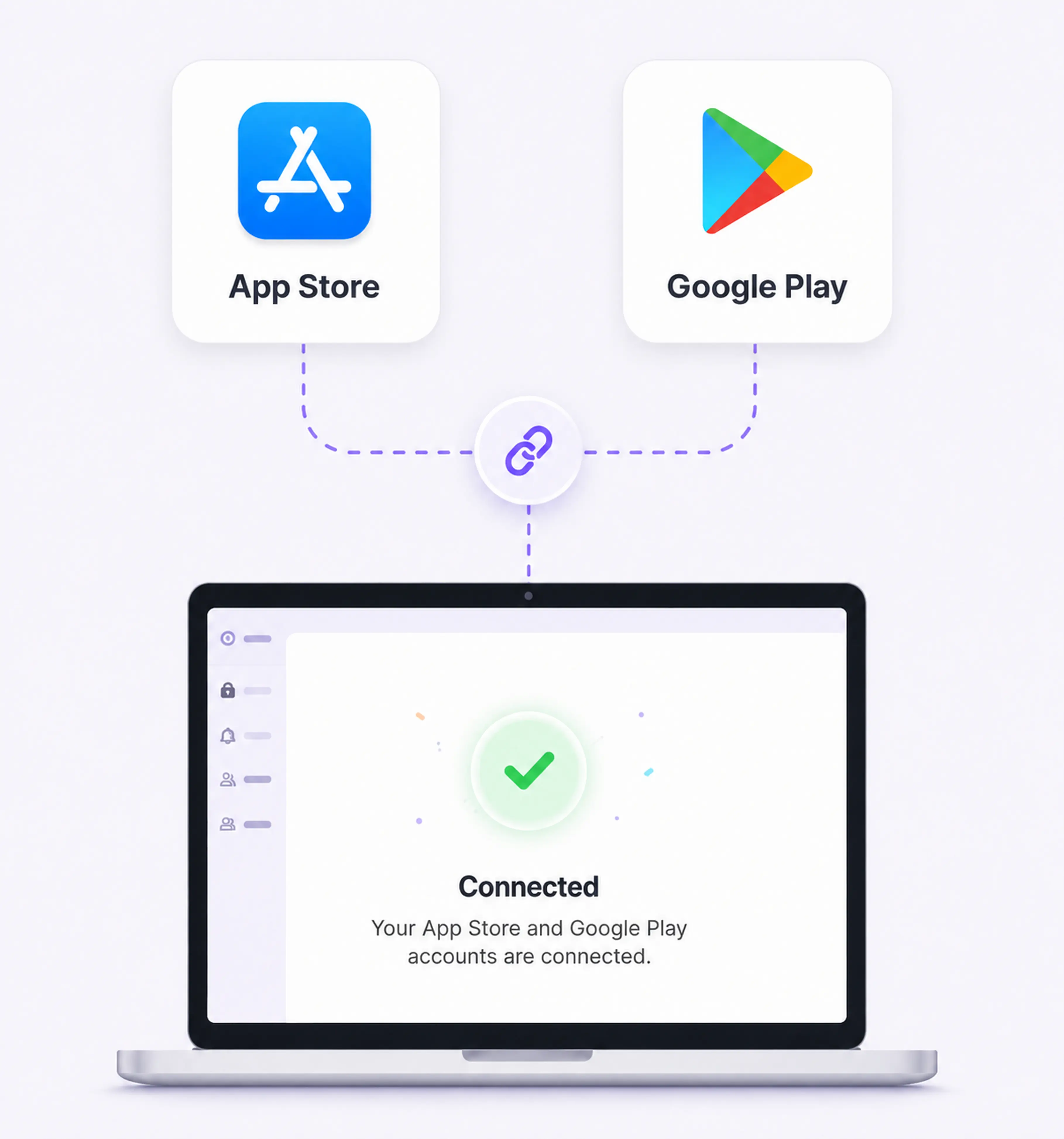
Connect WooCommerce, Directorist, or your custom APIs in just a few clicks.
Connect your backend, design visually, and publish production-ready iOS & Android apps - without rebuilding your business.
Works with Your Tools





Connect. Design. Launch.
No complex setup. No unnecessary development.
Connect WooCommerce, Directorist, or your custom APIs in just a few clicks.
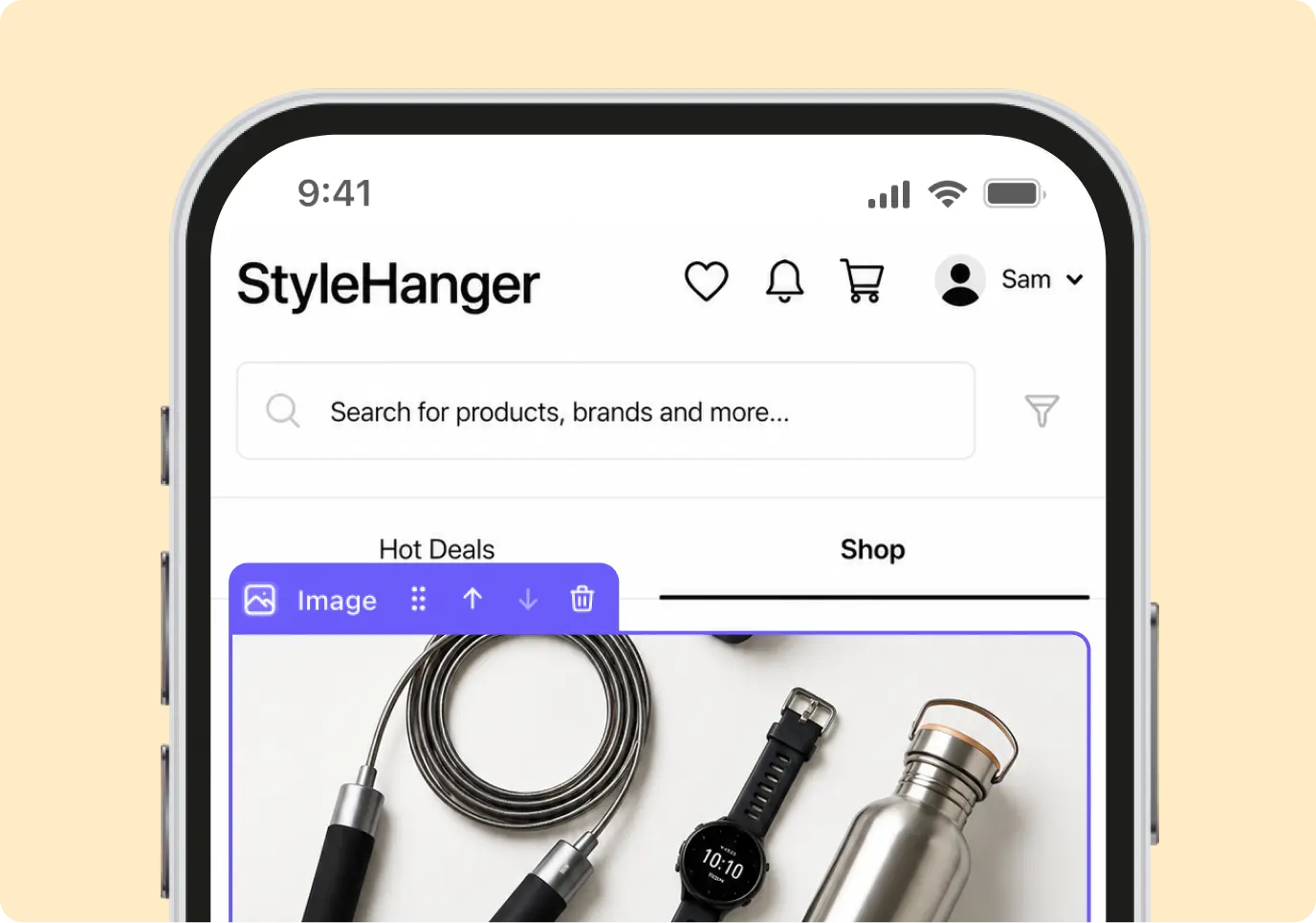
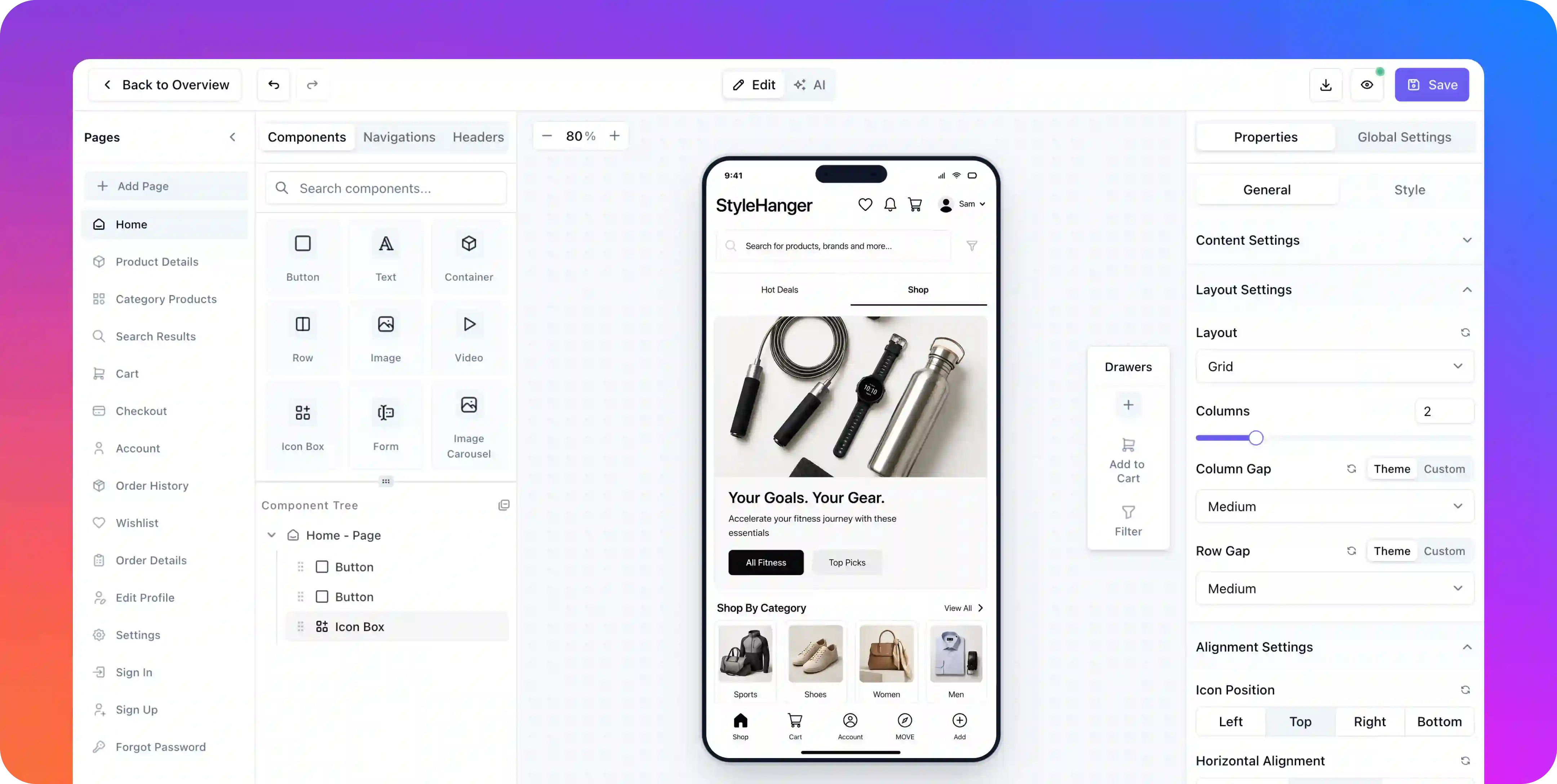
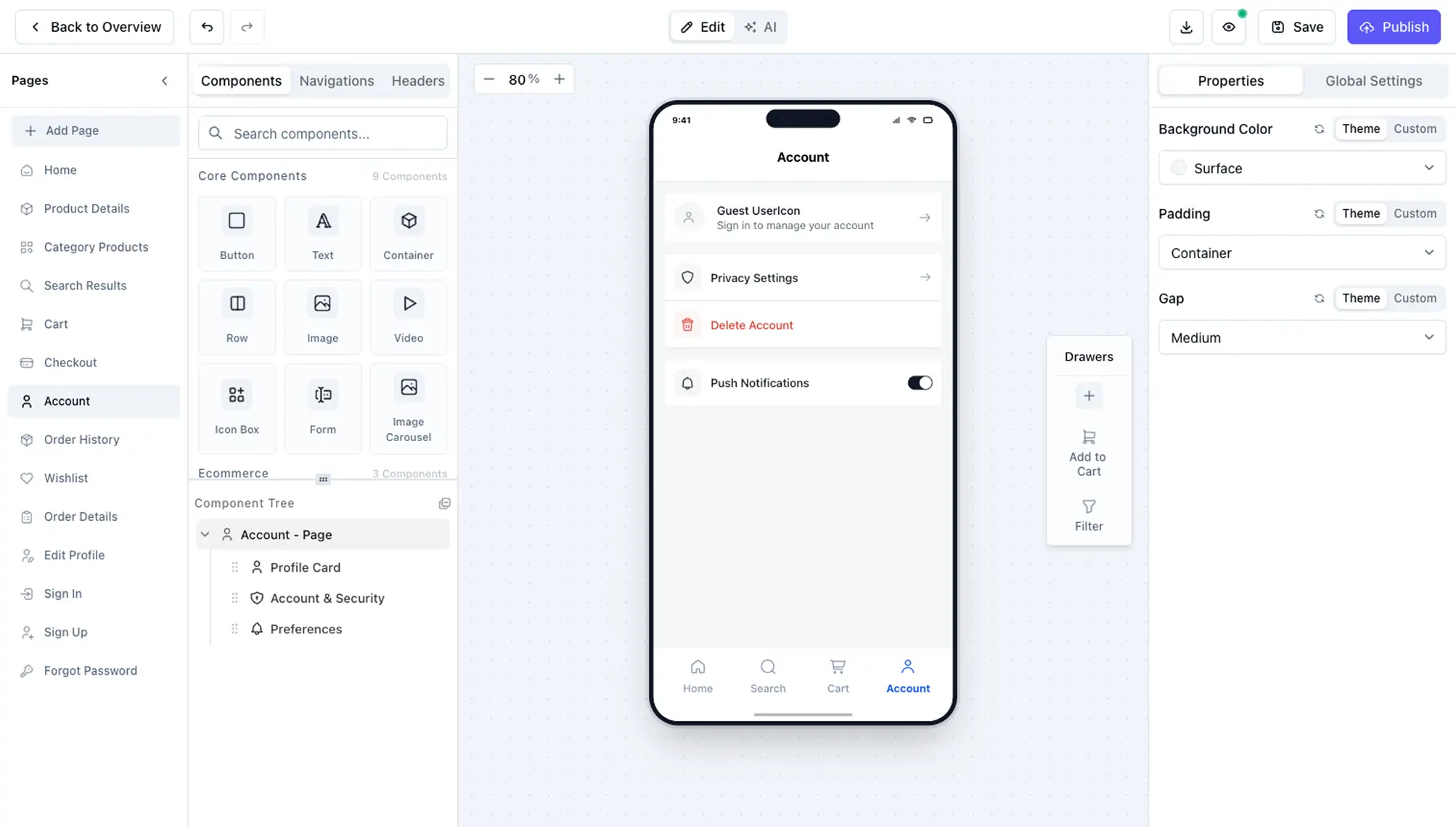
Build beautiful native screens visually using powerful components and real-time previews.
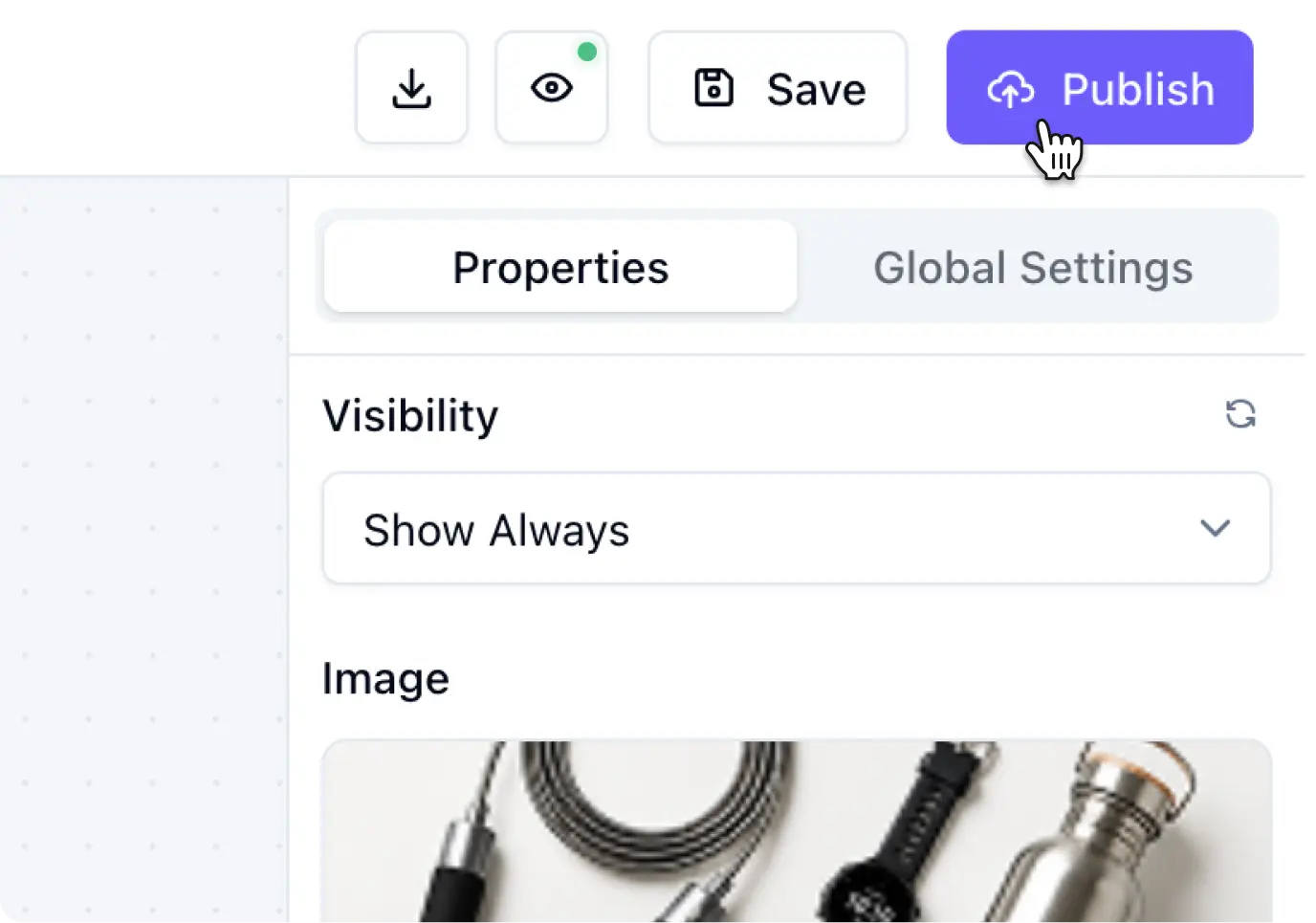
Publish to the App Store and Google Play, then deliver future improvements with OTA updates.
POWERFUL FEATURES
From your first screen to the App Store, every feature is built to help you ship faster, update instantly, and grow with confidence.
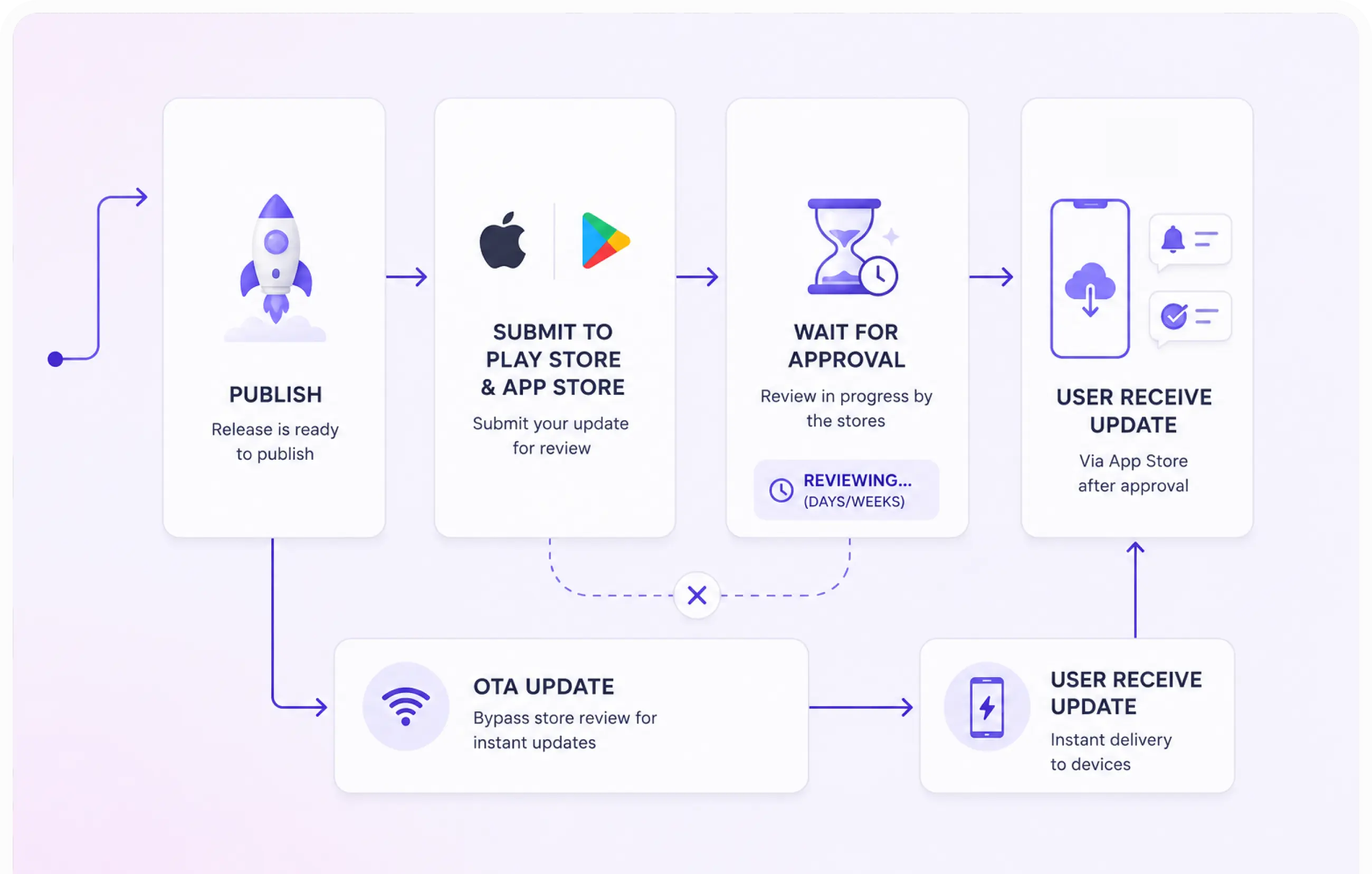
Hit publish and your changes are live in every user's app within seconds - no app store review, no update to download, no waiting.
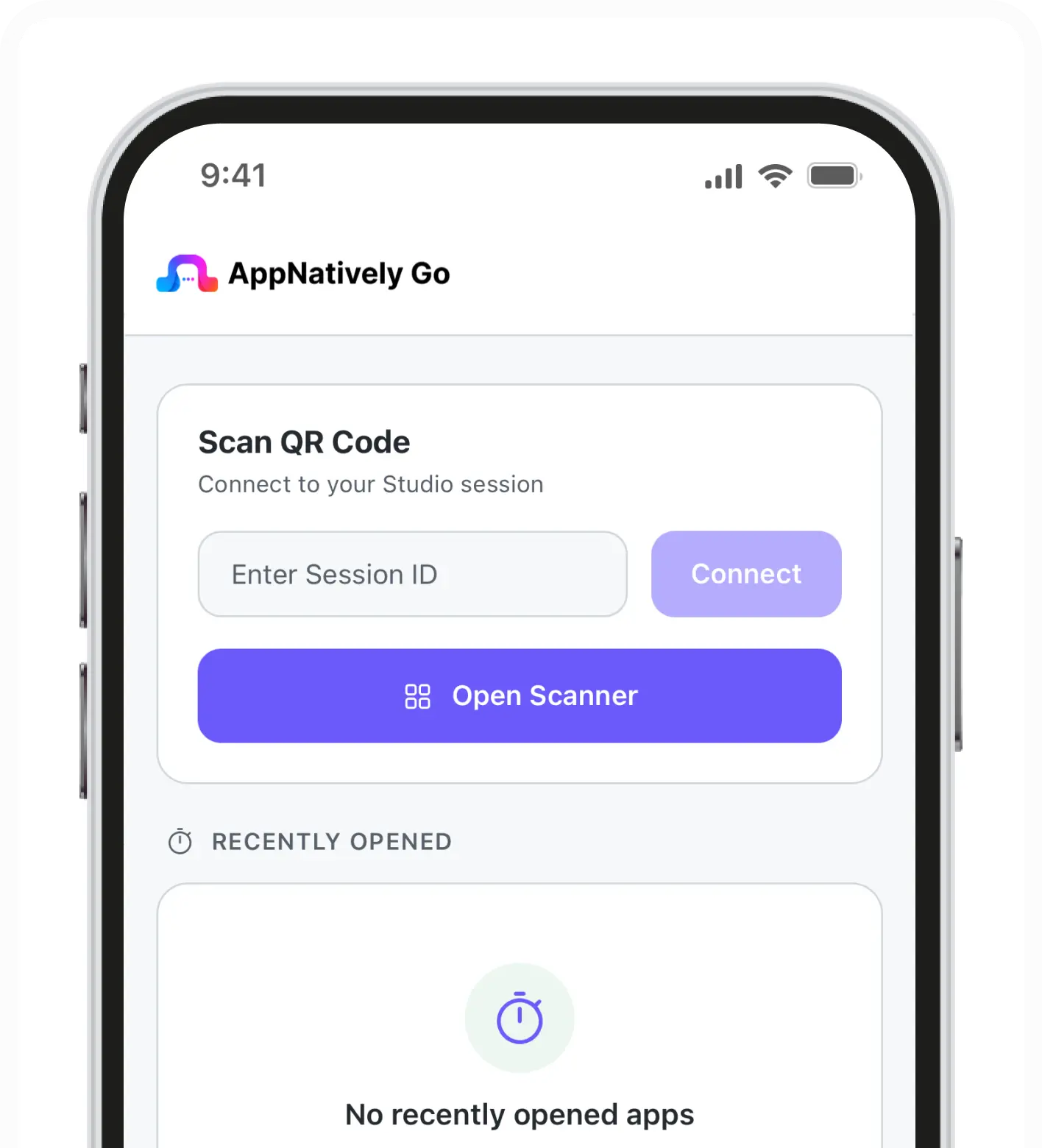
Scan a QR code from the builder and watch every edit appear on your own phone in real time - no build, no install, no waiting.
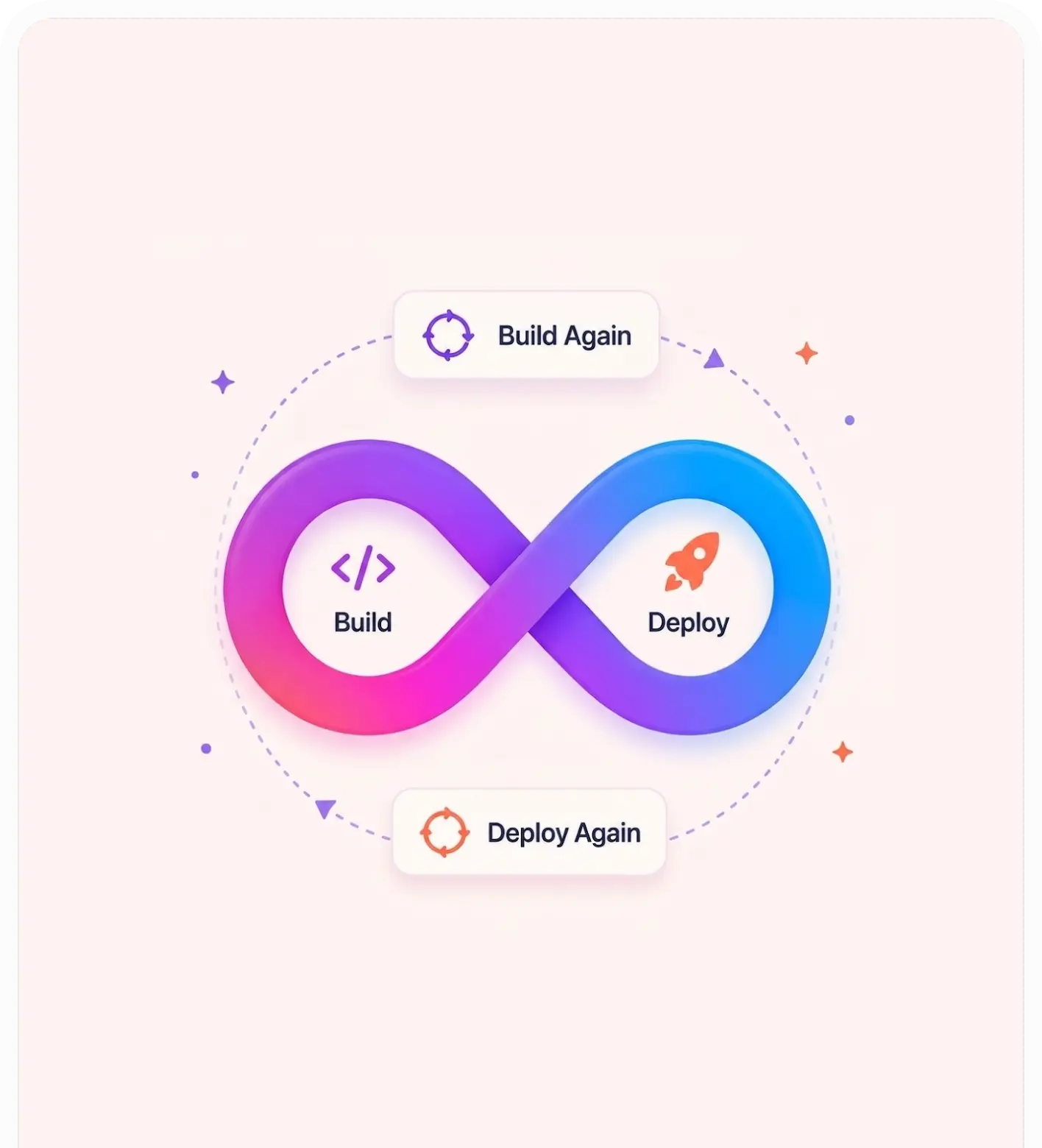
Generate as many native Android and iOS builds as you need and submit them straight to the stores, whenever you're ready.
Design a splash screen and app icon that match your brand, and preview them exactly as your users will see them at launch.

Send push campaigns straight from your dashboard - title, message, image, and deep link, powered by Firebase.
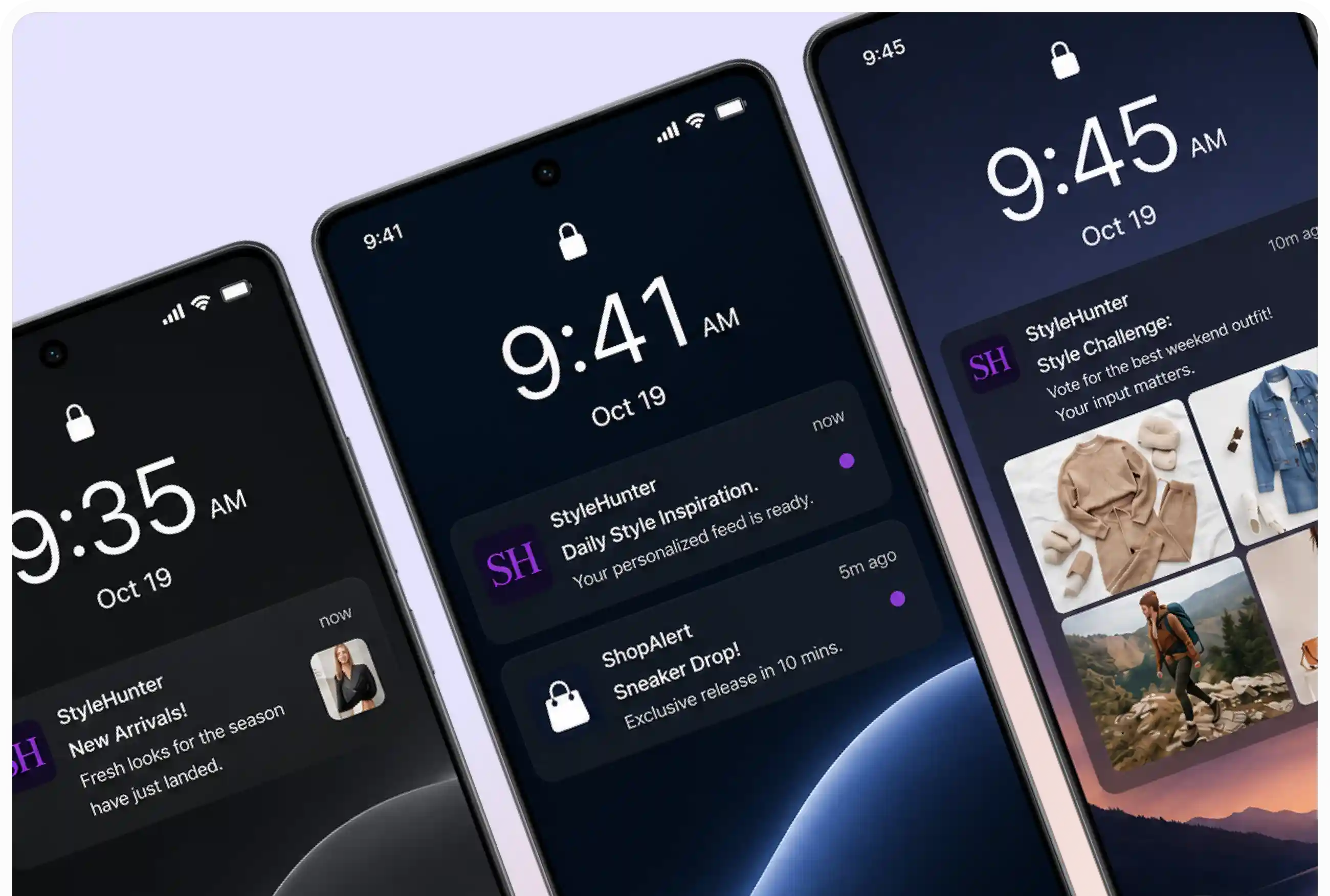
Send timely updates, offers, and alerts directly to your users’ devices.
APPNATIVELY STUDIO
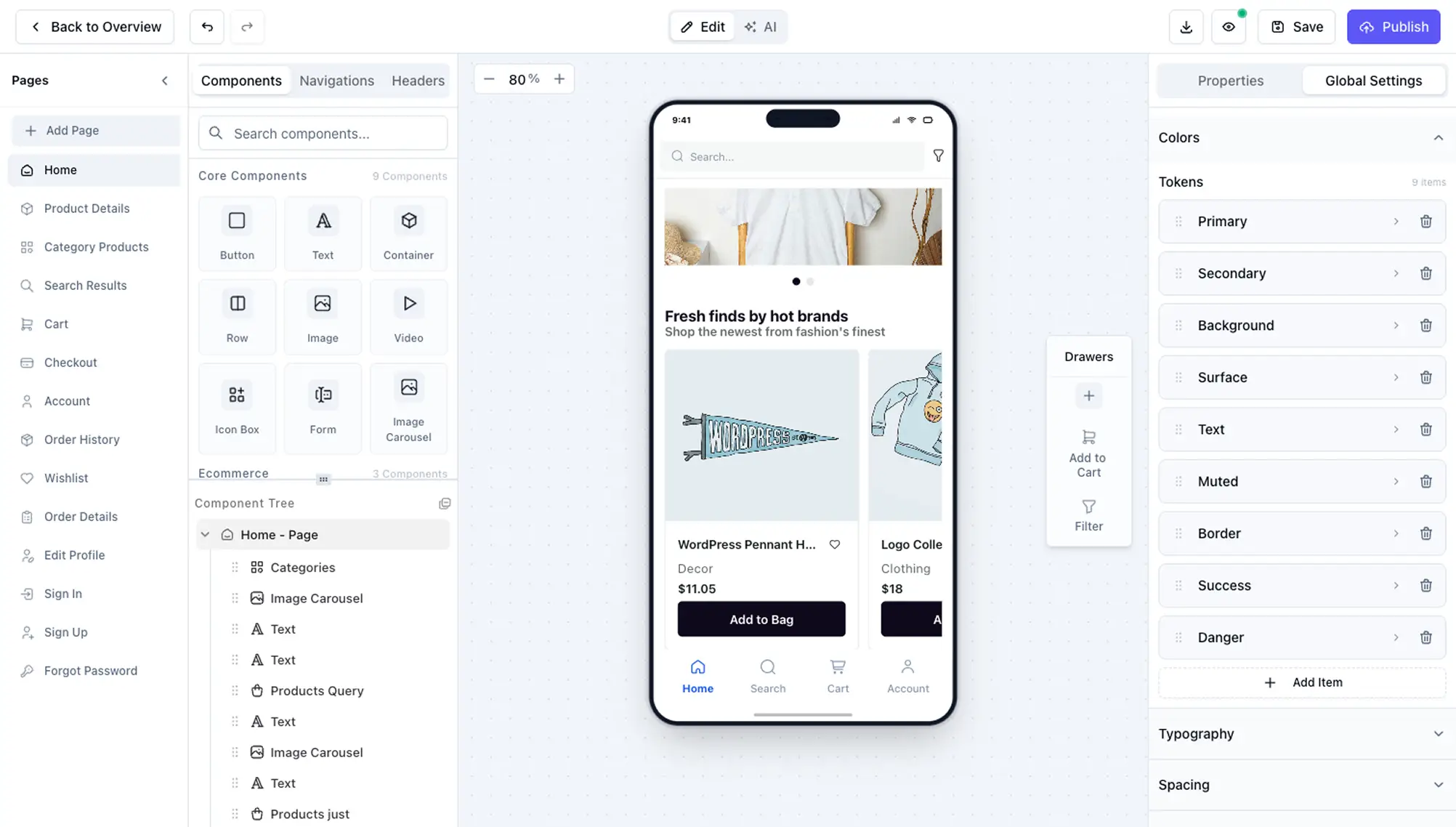
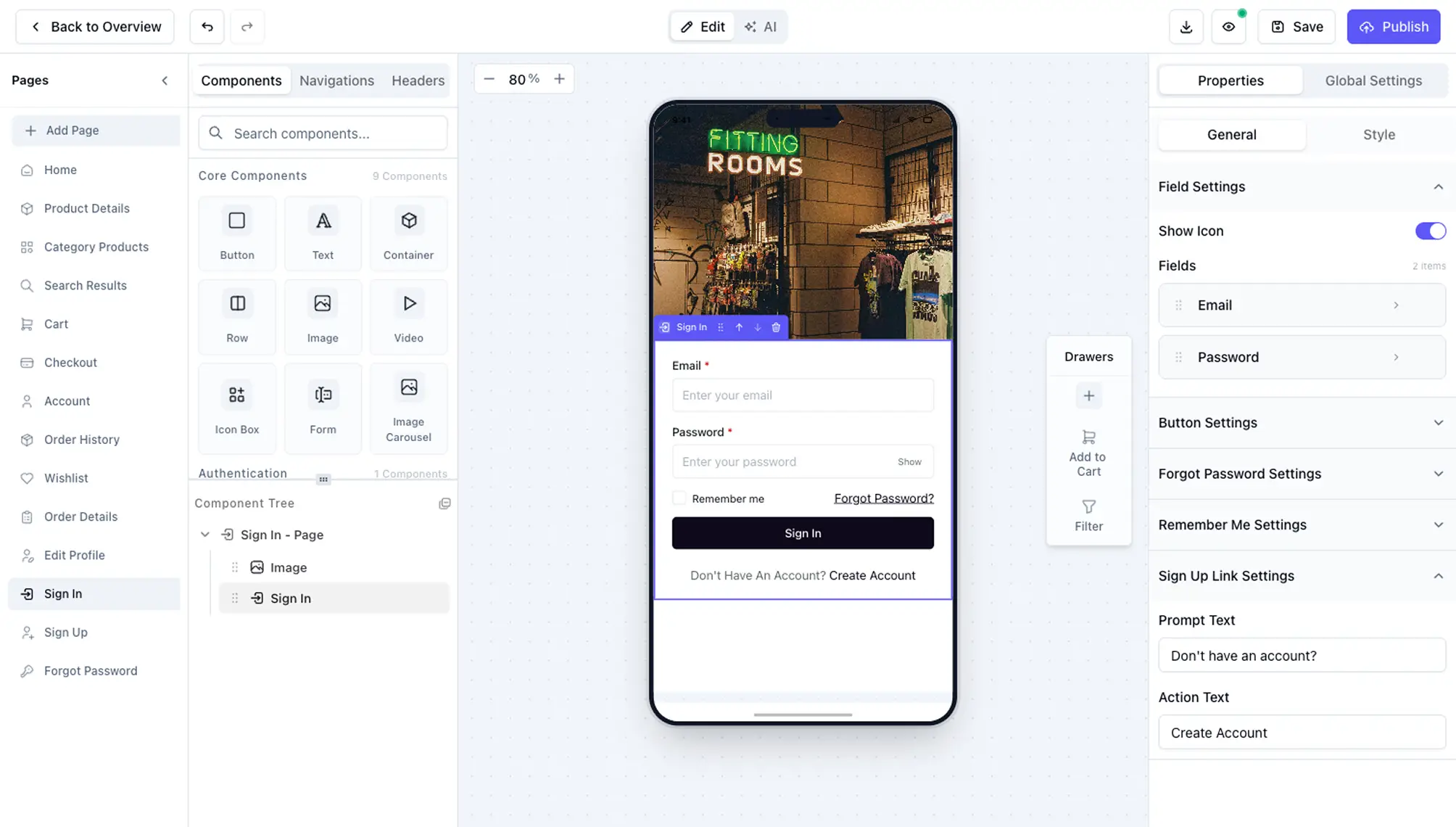
A full design system plus prebuilt screens for search, wishlist, cart, checkout, auth, and account - everything you need to launch a production-ready native app.
BUILT FOR EVERY BUSINESS
Whether you're launching an online store, a local directory, a booking platform, or a custom business app.

App showcase
Everything inside AppNatively Studio is designed to help you build faster, customize deeper, and launch production-ready native apps with confidence.
See All Solutions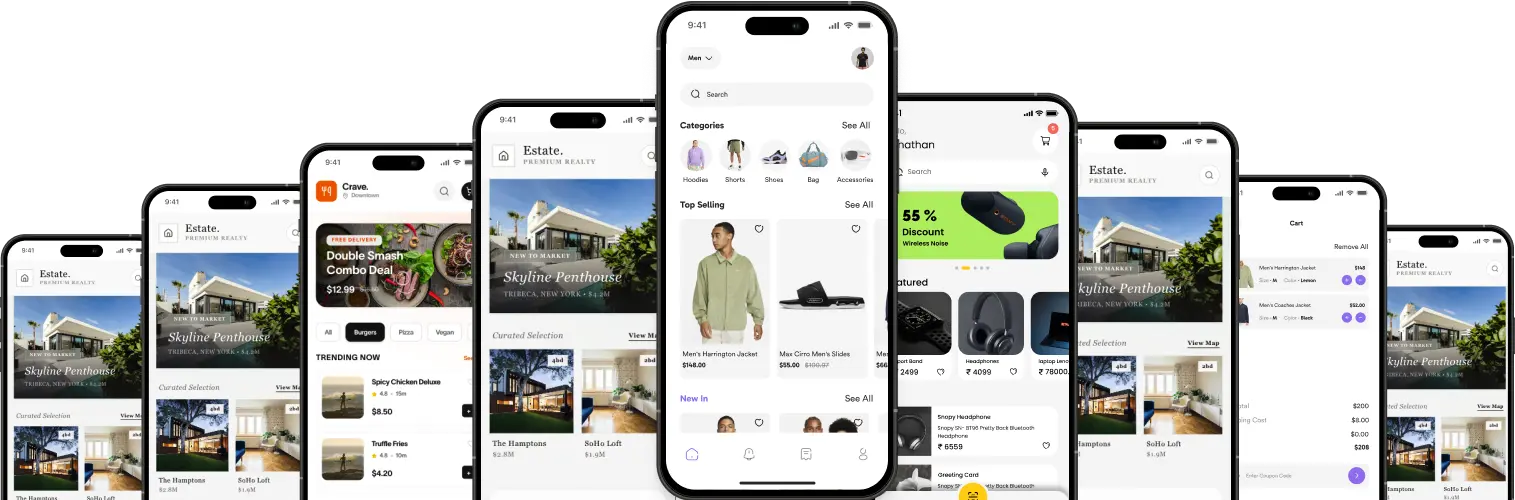
01 / 3
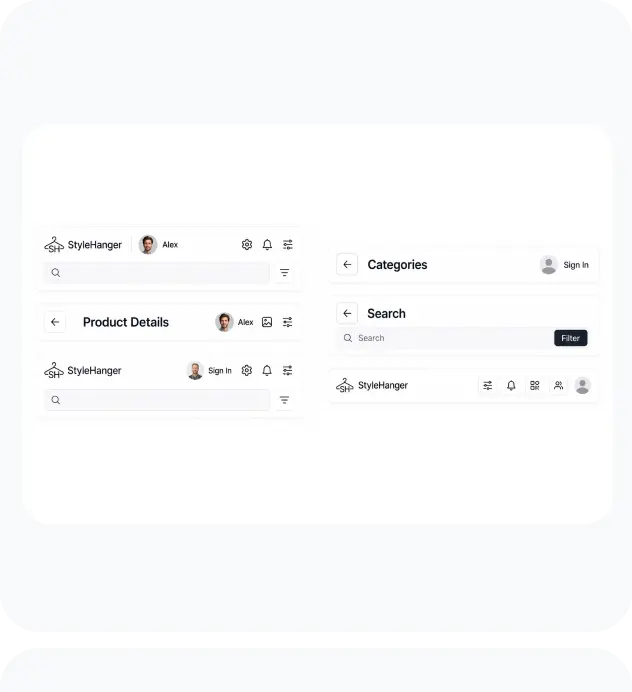
Header
Set the layout, turn on a translucent (glass) look, choose what stays sticky while scrolling, and add action buttons or dropdown menus - all from the Header editor.
02 / 3
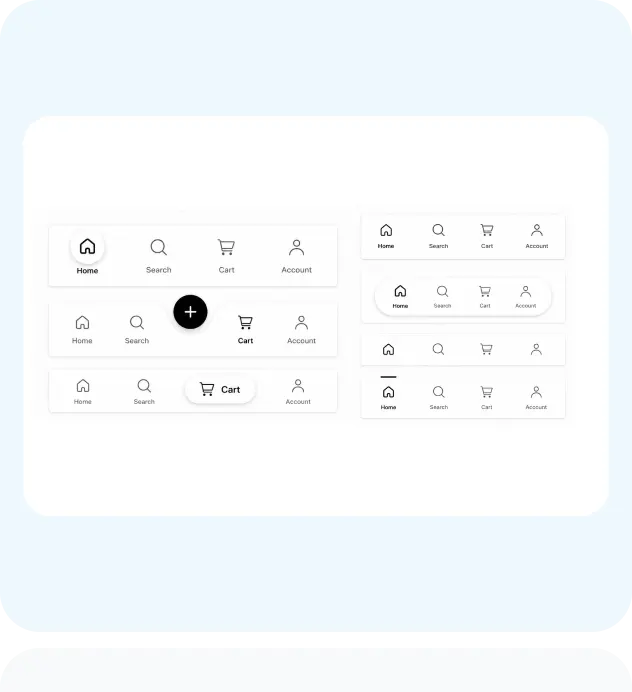
Navigation
Add tabs, change icons, and switch between tab bar styles like Standard, Floating, or Bubble. Point any item at a drawer instead of a page.
03 / 3
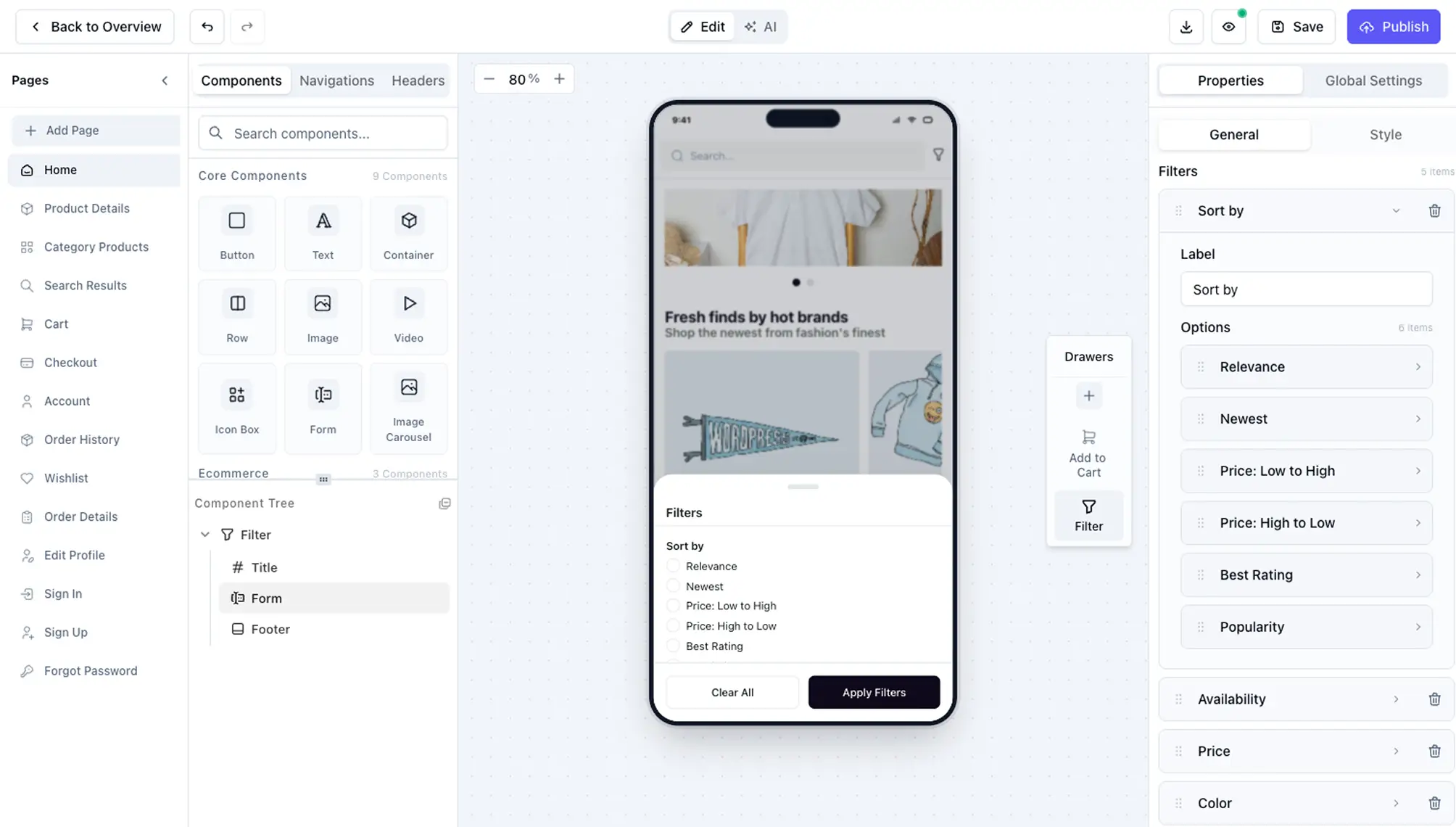
Drawer Manager
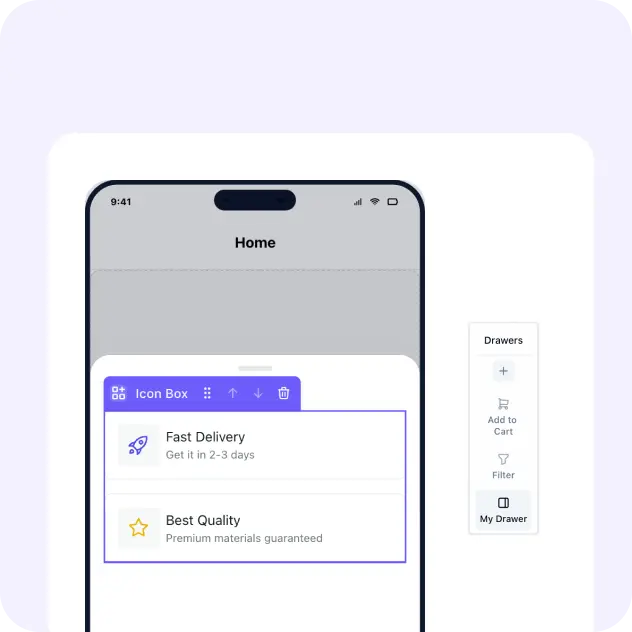
Add, rename, or duplicate custom drawers alongside built-ins like Add to Cart and Filter, and edit each one's content directly from the drawer canvas.
UI COMPONENTS
Skip repetitive work and build polished native interfaces using a comprehensive library of reusable UI components.
Build faster using production-ready native components.
PLATFORMS
Connect your favorite apps to boost productivity and keep every workflow in sync.
 business-directory integrationbusiness-directory integration
FAQS

